
Habit tracker widgets for iPhone, iPad and Mac
Check off a habit from your Home Screen without opening the app. Habits has interactive widgets for iPhone, iPad and Mac, Lock Screen widgets on iPhone, and complications on Apple Watch. All included in the free version.

Widgets
Check off habits from your Home Screen.
Interactive widgets for iPhone, iPad and Mac, and Lock Screen widgets on iPhone. Your progress stays one tap away, without opening the app.
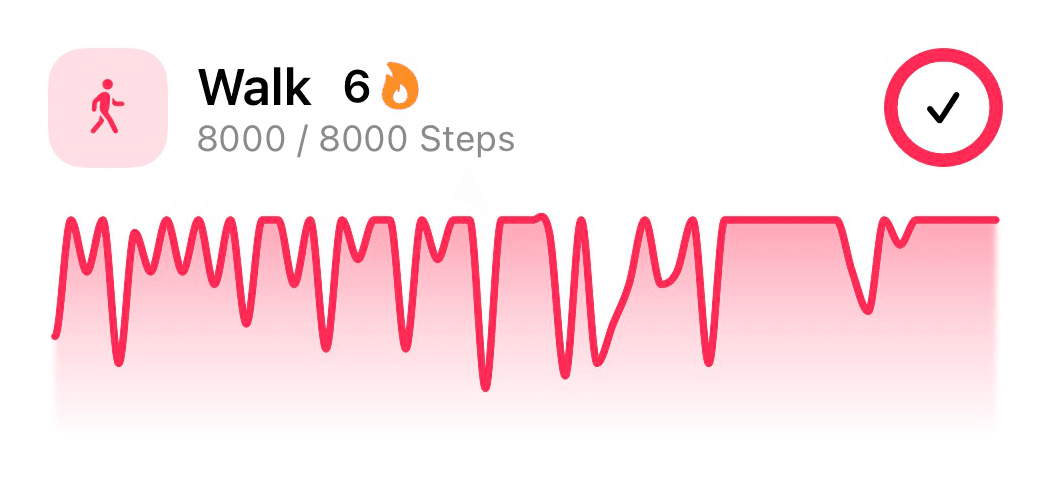
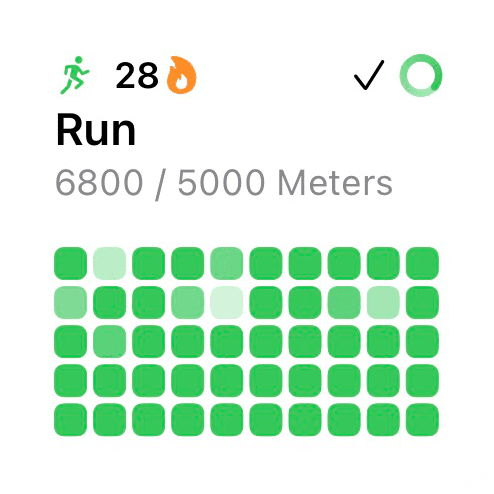
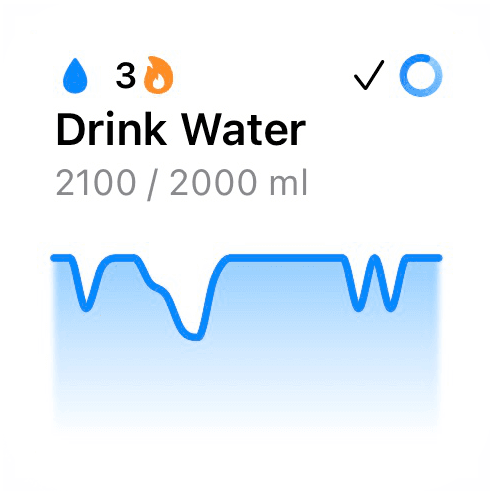
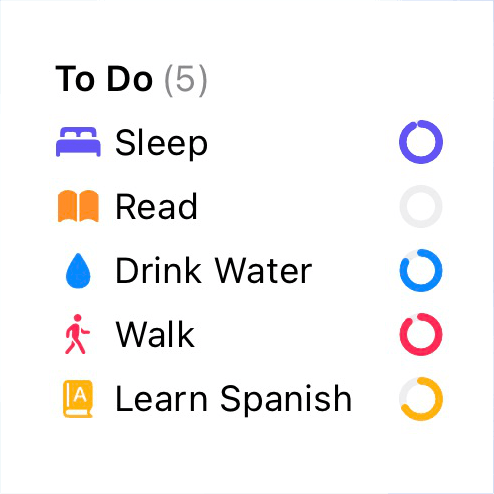
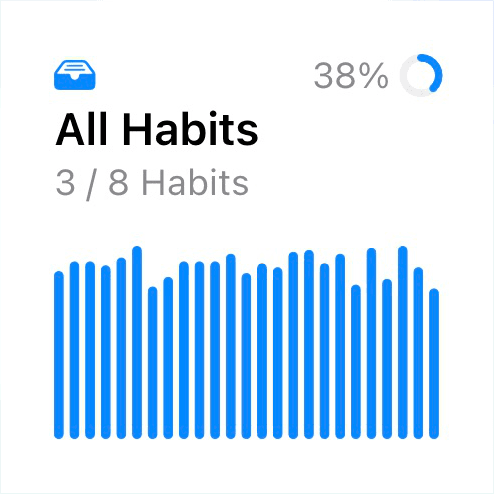
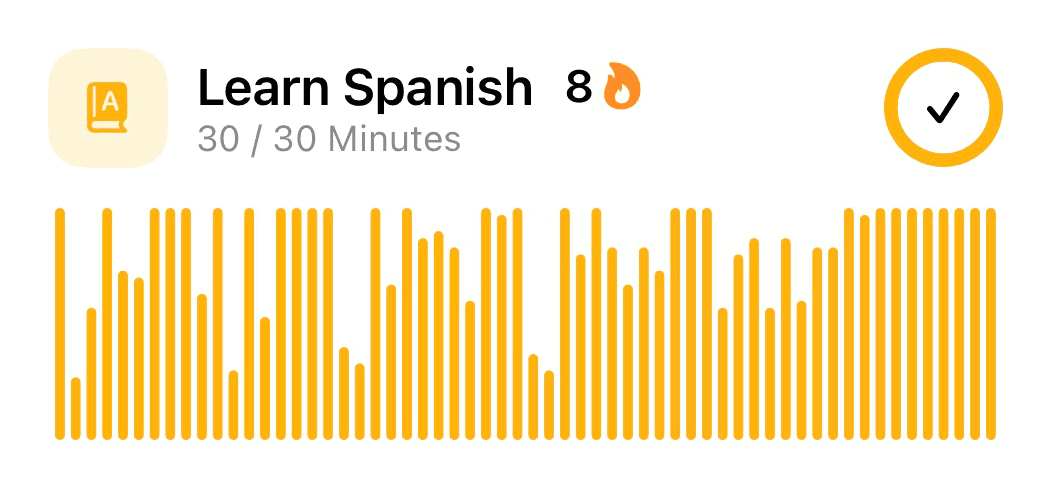
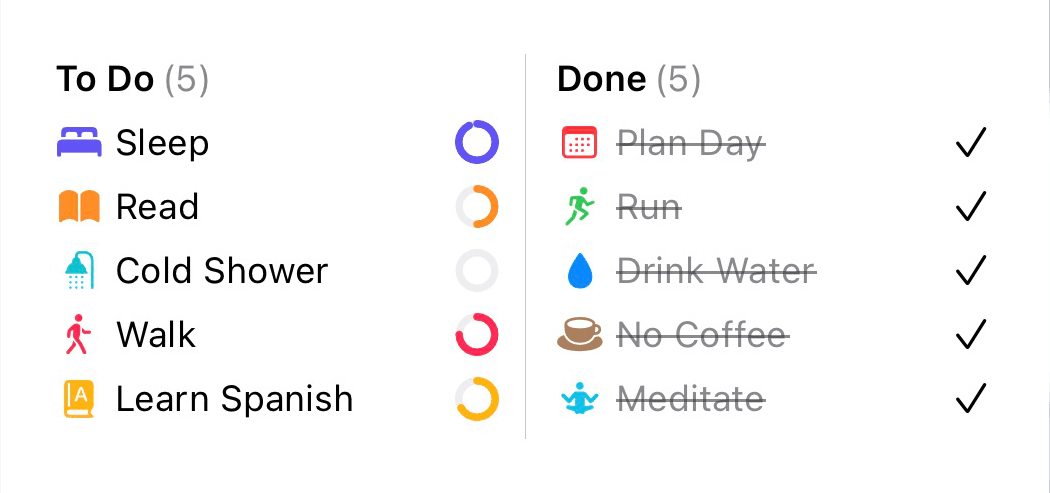
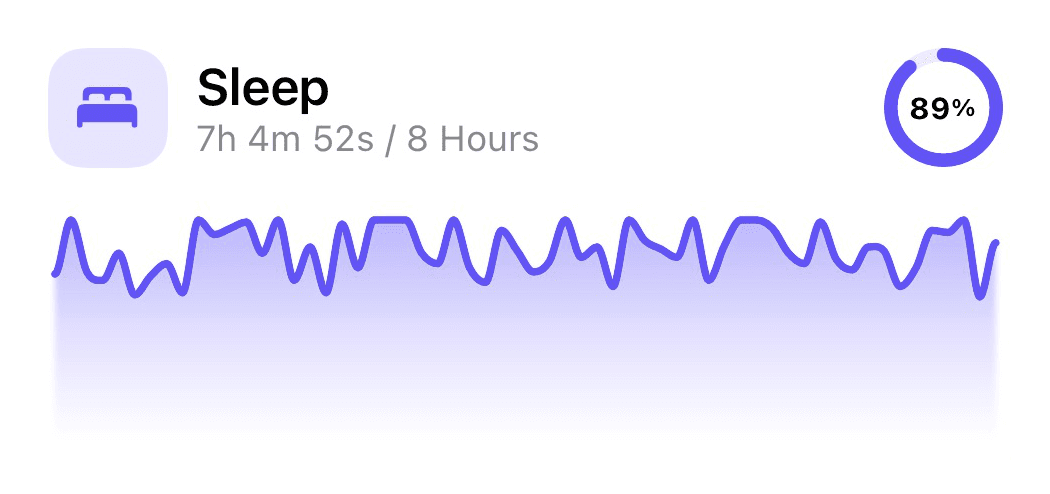
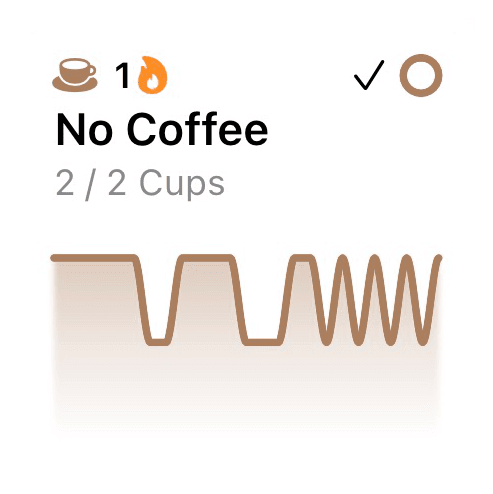
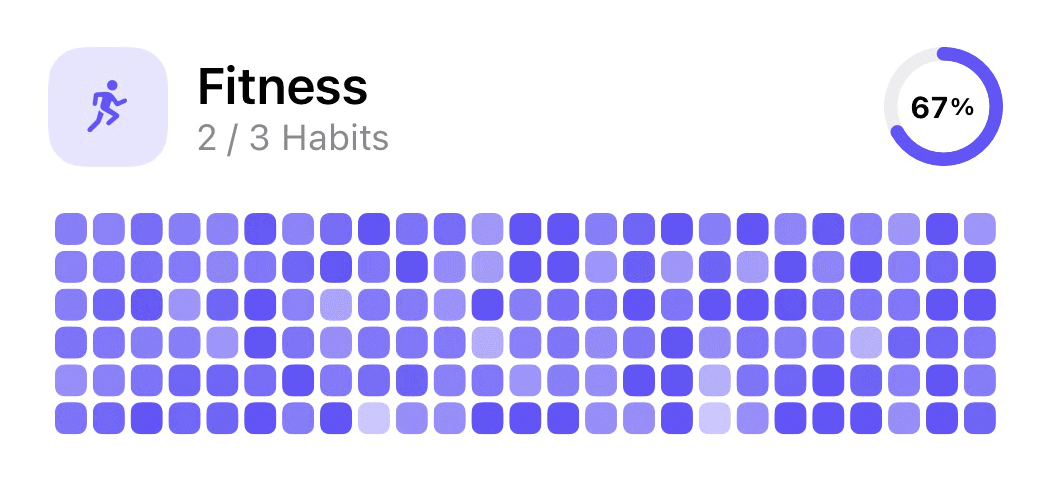
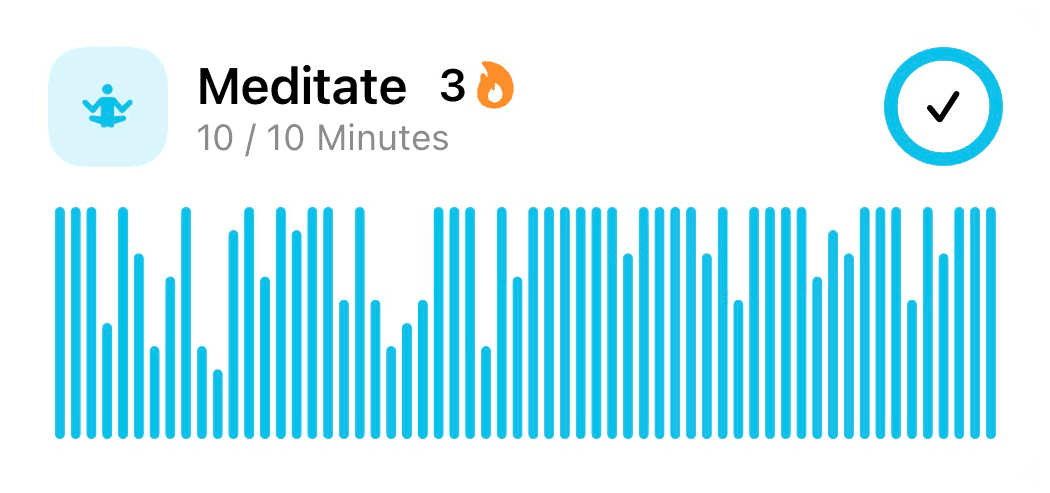
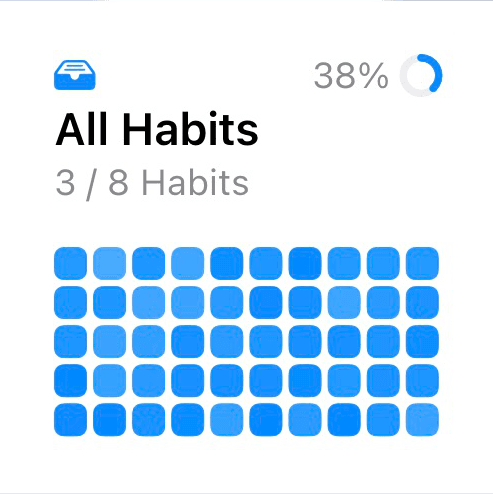
Interactive widgets: one tap, habit done
Habits' widgets are interactive: tap a habit on your Home Screen and it is checked off, or its progress goes up, without opening the app. Your streak and statistics update everywhere, on all your devices, through iCloud.
A widget for every way you look at progress
Pick a small or a medium widget, for one habit or for all of them, and choose how your progress is drawn: an activity grid of the past weeks, bars, a line chart, or a summary of the day. Each widget takes the color and the icon of its habit, so your Home Screen tells you at a glance what is left to do.
On your Lock Screen, your Mac and your wrist
On iPhone, Lock Screen widgets show your progress before you even unlock your phone. On Mac, Habits has native widgets for your desktop and Notification Center. On Apple Watch, complications and Smart Stack widgets keep your habits on your watch face. See Habits on Apple Watch and Habits on Mac.
How to add a Habits widget
On iPhone or iPad: touch and hold an empty area of your Home Screen, tap Edit, then Add Widget, and search for Habits. Choose a size and add it, then touch and hold the widget and tap Edit Widget to choose the habit and the style.
On the Lock Screen: touch and hold the Lock Screen, tap Customize, then the Lock Screen, and add Habits from the widget list.
On Mac: Control-click the desktop, choose Edit Widgets, and search for Habits.
Even faster with Siri and Shortcuts
Widgets are one tap; Siri is zero. Say "Complete Read in Habits" or "How am I doing today in Habits", or use one of the Shortcuts actions in your own automations and on the Action button.