
Soon
The workout log that remembers your last set
Lifts by Trackware is a native gym log for iPhone and Apple Watch, in development. Open your routine, see what you lifted last time and check the set off. Made for people who already know their workout.
- No account
- No data collected
- Private iCloud sync
No spam ever, we care about the protection of your data.

What Lifts does
Built for the minute between two sets
Everything you need at the bench, on the screen you are looking at.
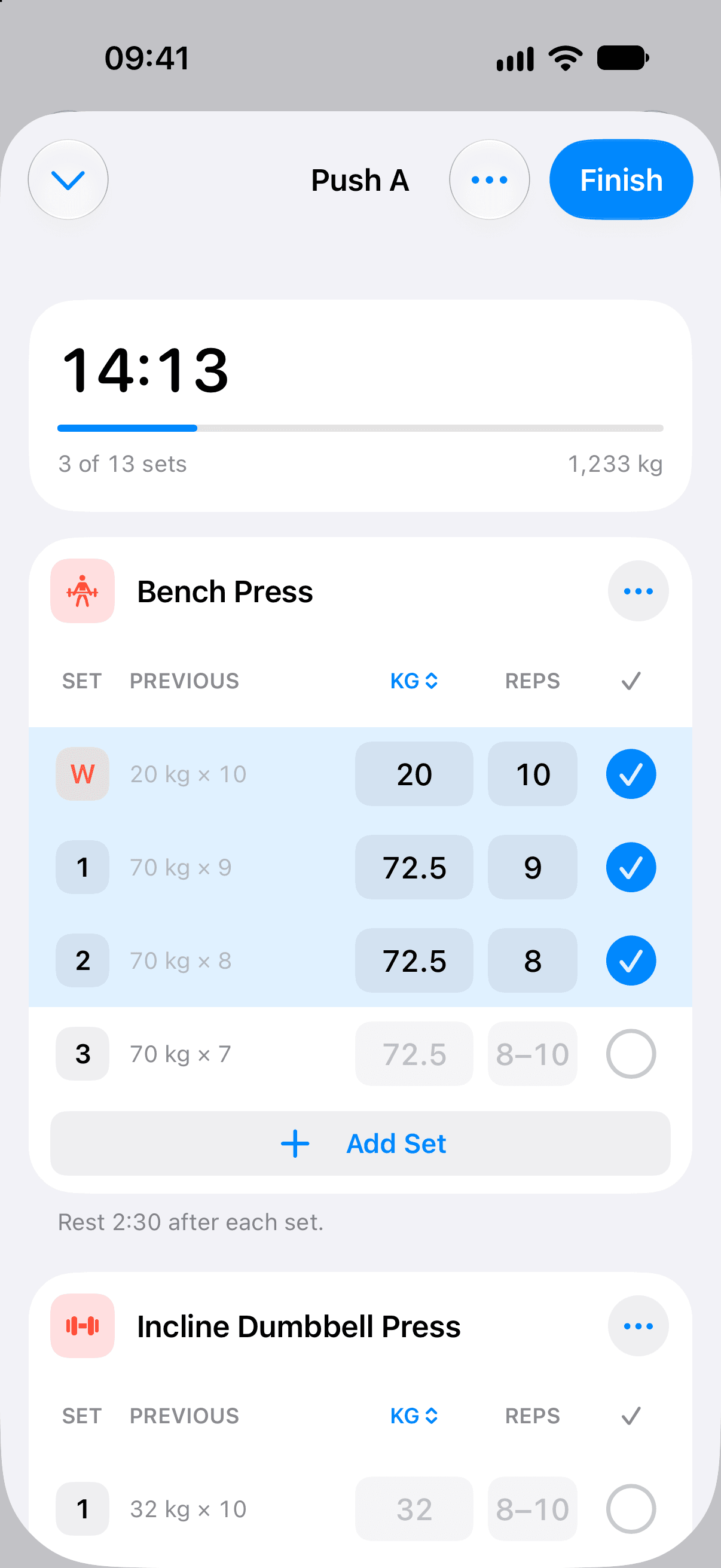
Last time, next to each set
The weight and reps of your previous workout are on every row, so you know what to beat.
On your Lock Screen
The Live Activity shows your next set and your rest. Tap Done to check the set off.
A rest timer you will hear
Rest starts when you check a set. With iOS 26.1 or later it can ring like an alarm, even in silent mode.
Log from your wrist
Start a routine and check sets on Apple Watch, with your heart rate, in the same workout as your iPhone.
kg and lb, as you typed them
Lifts keeps the number on the plate and its unit. 50 lb is still 50 lb next time, not 22.68 kg.
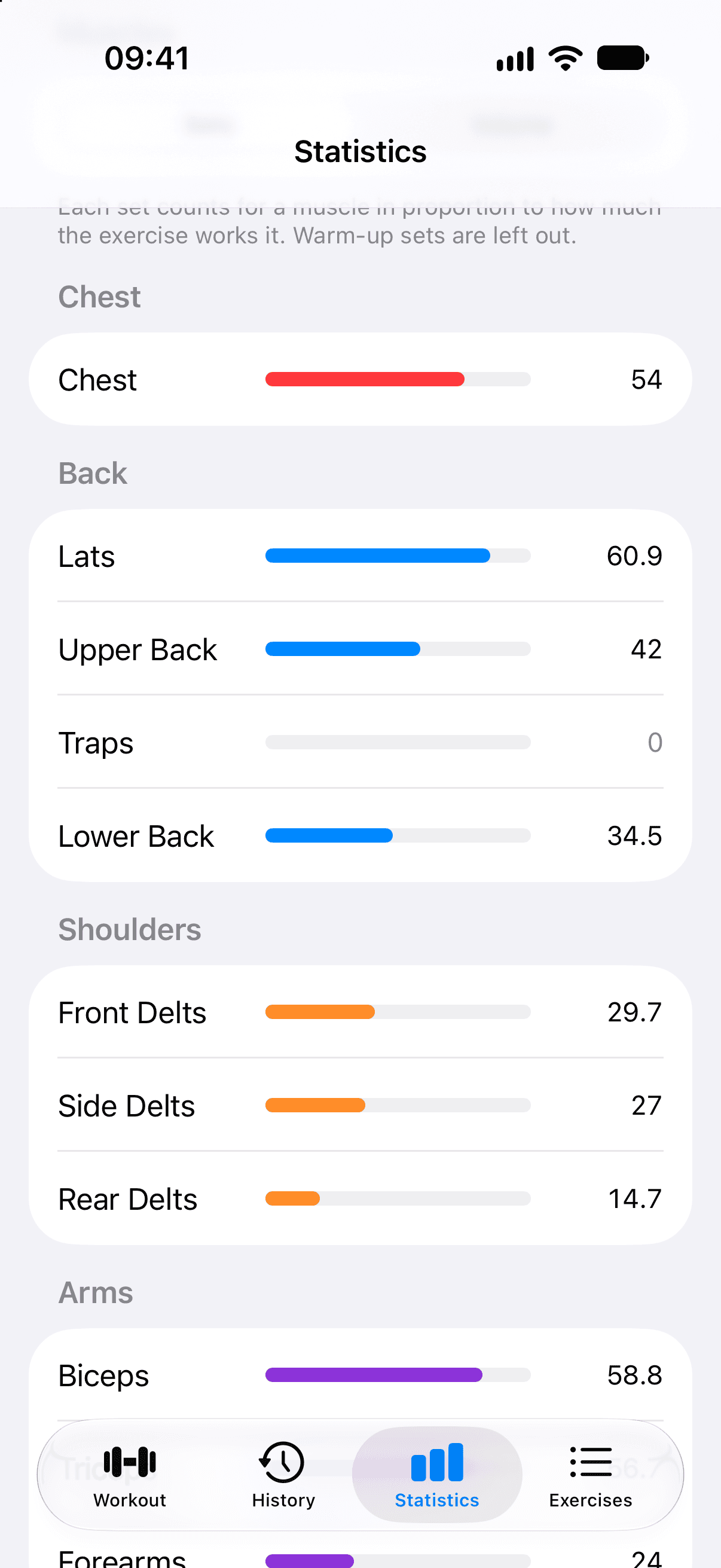
Sets and volume per muscle
Each set counts for every muscle it works, in proportion. Warm-up sets are left out.
Also in Lifts
- 120 built-in exercises
- Your own exercises
- Supersets
- Warm-up, drop and failure sets
- Optional RPE
- Apple Health workouts
- Pinned notes per exercise
- iCloud sync
Free tools
Tools to use while you wait
They work in your browser, with no sign-up.
Workout log for Google Sheets and Excel
A spreadsheet made from your routine: one row per set, week after week, with volume and estimated 1RM. For Google Sheets and Excel.
Open the toolPrintable workout log
A PDF log made from your routine: sets in rows, weeks in columns, or one page per session. Letter, A4 and A5.
Open the toolPlate calculator for kg and lb plates
Which plates to load for a weight, in kg, lb or both, or the total of the plates you see.
Open the toolSets per muscle calculator
Paste your routine and see the weekly sets of each muscle, main and secondary.
Open the toolFAQ