
Free Year in Pixels Template 2027
Color one square a day and see your whole year on a single page. Track your mood, sleep, energy or a habit, write your own color legend and download a print-ready PDF or PNG. Free, no sign-up.
What is a Year in Pixels?
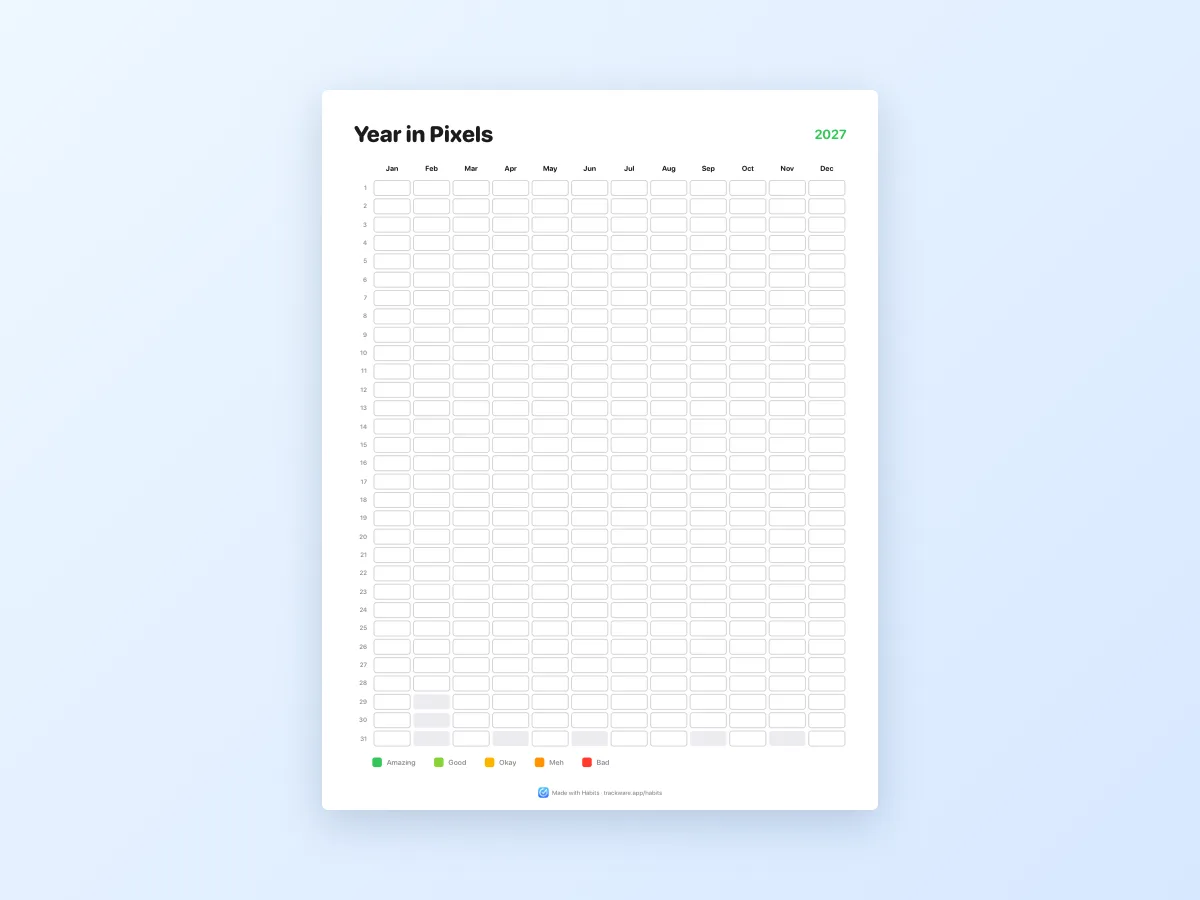
A Year in Pixels is a one-page calendar with a small square for every day of the year: twelve columns for the months and 31 rows for the days. Each evening, you color that day's square with the color that matches it in your legend. One square takes a few seconds, and by December the page has turned into a picture of your whole year.
It is one of the most popular bullet journal spreads because it shows patterns that a diary hides: the weeks when you slept badly, the months that felt lighter, the effect of a new routine. You do not need to write anything, only to choose a color.
How to make your Year in Pixels
Start from a template or write your own legend, one line per color, from your best days to your worst. Pick the year, the paper size and a set of colors. The preview shows the exact page you will print, with grayed squares for the days that do not exist, like February 30.
Download the PDF and print it at 100% ("Actual size" in the print dialog). Keep it where you end your day, on the fridge, in your journal or next to your bed, with the pens that match your legend. If you prefer your own colors, choose Blank: the legend prints empty squares that you color once with your pens.
Year in Pixels ideas: what to track
Mood is the classic, but any question with a short answer works: your mood, your energy level, hours of sleep, steps, workouts, time spent reading, water, screen time, days without spending, stress, time outside, time with friends, gratitude, meditation or even the weather, for a colorful page.
Pick one question per page. Two trackers on the same grid get confusing by March. If you want to follow several things, print several pages: the Copy link button keeps your settings, so you can come back for the next one.
Choosing your colors
Three to five colors are enough. Fewer colors make the page easier to read at a glance; with more than six, you start hesitating every night. Order them from your best days to your worst, and give similar days similar shades: two greens for good days, warm colors for hard ones.
To keep the page readable for everyone, including people with color vision deficiency, mix light and dark shades rather than relying on red against green alone. Highlighters work well with the Pastel set, felt-tip pens with Vivid.
A note on mood tracking
A mood Year in Pixels is a reflection tool: it helps you notice patterns and talk about them. It is not a diagnostic tool. If you see a long run of low days, or if your mood worries you, talk to someone you trust or to a health professional.
From paper to your iPhone
A paper Year in Pixels is perfect for one question you answer by feeling. For habits you want to build, an app can do the counting for you. We make Habits, a habit tracker for iPhone, iPad, Apple Watch and Mac.
Habits shows every habit as an activity grid and a monthly calendar, the same pixel effect without the pens, and adds reminders, streaks and statistics. It can complete habits like steps, sleep or workouts automatically with Apple Health. The free version tracks up to 3 habits, with no account and no ads, and your data stays in your private iCloud.
Frequently asked questions
Related articles
Bullet Journal Habit Tracker: 12 Layout Ideas and Free Printables
12 habit tracker layouts for your bullet journal, from the classic monthly grid to Year in Pixels, with tips to draw them fast and free printables in A5.
3 min read
Do Habit Trackers Work? What the Research Says
Monitoring your progress helps, especially when you write it down or share it, but not always as you think. What studies say about habit trackers and streaks.
2 min read
New Year's Resolution Ideas for 2027: 60 You Can Actually Track
60 New Year's resolution ideas for 2027, each turned into a small daily or weekly habit you can track, with free printable trackers to start on January 1.
6 min read